Basic resume template for Google Docs™
The most traditional layout here: centered name, bold headings, Times New Roman and no lines. For any job where the content should do the talking.
- Parser read 33/33 fields
- 1 page
- US Letter and A4
- Google Docs and Word
- Times New Roman
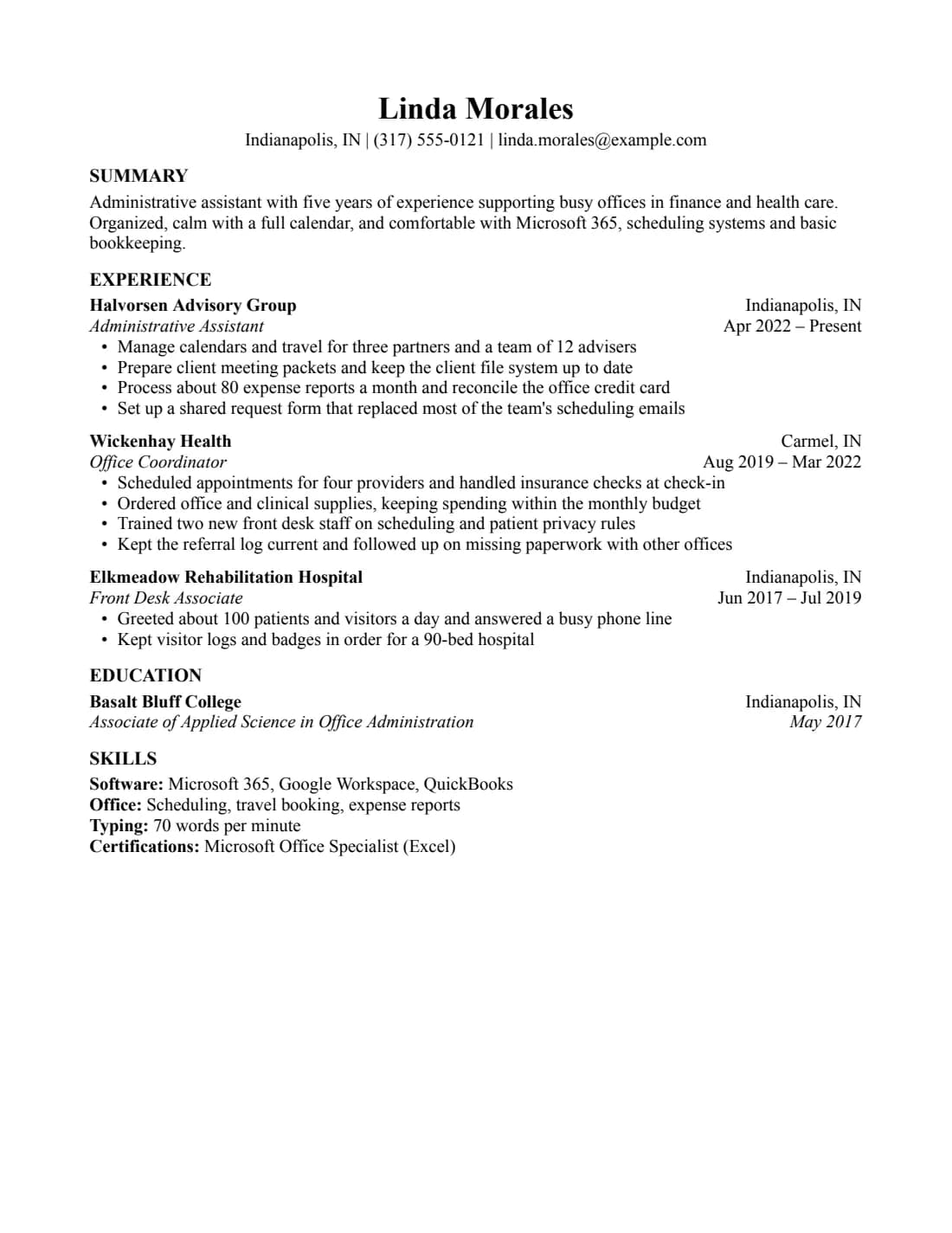
What a parser reads from it
Field by field, from the PDF that Google Docs exports.
33/33
fields read correctly from the resume (US Letter), downloaded from Google Docs as a PDF and read by the open-source OpenResume parser (commit 4f8255a) on Oct 5, 2026.
What the parser read
First 30 lines, exactly as extracted.
Linda Morales
Indianapolis, IN | (317) 555-0121 | linda.morales@example.com
SUMMARY
Administrative assistant with five years of experience supporting busy offices in finance and health care.
Organized, calm with a full calendar, and comfortable with Microsoft 365, scheduling systems and basic
bookkeeping.
EXPERIENCE
Halvorsen Advisory Group    Indianapolis, IN
Administrative Assistant    Apr 2022 – Present
•    Manage calendars and travel for three partners and a team of 12 advisers
•    Prepare client meeting packets and keep the client file system up to date
•    Process about 80 expense reports a month and reconcile the office credit card
•    Set up a shared request form that replaced most of the team's scheduling emails
Wickenhay Health    Carmel, IN
Office Coordinator    Aug 2019 – Mar 2022
•    Scheduled appointments for four providers and handled insurance checks at check-in
•    Ordered office and clinical supplies, keeping spending within the monthly budget
•    Trained two new front desk staff on scheduling and patient privacy rules
•    Kept the referral log current and followed up on missing paperwork with other offices
Elkmeadow Rehabilitation Hospital    Indianapolis, IN
Front Desk Associate    Jun 2017 – Jul 2019
•    Greeted about 100 patients and visitors a day and answered a busy phone line
•    Kept visitor logs and badges in order for a 90-bed hospital
EDUCATION
Basalt Bluff College    Indianapolis, IN
Associate of Applied Science in Office Administration    May 2017
SKILLS
Software: Microsoft 365, Google Workspace, QuickBooks
Office: Scheduling, travel booking, expense reports
Typing: 70 words per minute
Field by field
What we wrote, and what the parser put in each field.
| Field | Parser read | Match |
|---|---|---|
| Name | Linda Morales | |
| linda.morales@example.com | ||
| Phone | (317) 555-0121 | |
| Location | Indianapolis, IN | |
| Link | (empty) | |
| Summary | Administrative assistant with five years of experience supporting busy offices in finance and health care. Organized, calm with a full calendar, and comfortable with Microsoft 365, scheduling systems and basic bookkeeping. | |
| Job 1 company | Halvorsen Advisory Group | |
| Job 1 title | Administrative Assistant | |
| Job 1 dates | Apr 2022 – Present | |
| Job 1, bullet 1 | Manage calendars and travel for three partners and a team of 12 advisers | |
| Job 1, bullet 2 | Prepare client meeting packets and keep the client file system up to date | |
| Job 1, bullet 3 | Process about 80 expense reports a month and reconcile the office credit card | |
| Job 1, bullet 4 | Set up a shared request form that replaced most of the team's scheduling emails | |
| Job 2 company | Wickenhay Health | |
| Job 2 title | Office Coordinator | |
| Job 2 dates | Aug 2019 – Mar 2022 | |
| Job 2, bullet 1 | Scheduled appointments for four providers and handled insurance checks at check-in | |
| Job 2, bullet 2 | Ordered office and clinical supplies, keeping spending within the monthly budget | |
| Job 2, bullet 3 | Trained two new front desk staff on scheduling and patient privacy rules | |
| Job 2, bullet 4 | Kept the referral log current and followed up on missing paperwork with other offices | |
| Job 3 company | Elkmeadow Rehabilitation Hospital | |
| Job 3 title | Front Desk Associate | |
| Job 3 dates | Jun 2017 – Jul 2019 | |
| Job 3, bullet 1 | Greeted about 100 patients and visitors a day and answered a busy phone line | |
| Job 3, bullet 2 | Kept visitor logs and badges in order for a 90-bed hospital | |
| School 1 | Basalt Bluff College | |
| School 1 degree | Associate of Applied Science in Office Administration | |
| School 1 dates | May 2017 | |
| School 1 GPA | (empty) | |
| Skills line 1 | Software: Microsoft 365, Google Workspace, QuickBooks | |
| Skills line 2 | Office: Scheduling, travel booking, expense reports | |
| Skills line 3 | Typing: 70 words per minute | |
| Skills line 4 | Certifications: Microsoft Office Specialist (Excel) |
Shown but not counted
- Indianapolis, IN: no location field for jobs. It's in the extracted text.
- Carmel, IN: no location field for jobs. It's in the extracted text.
- Indianapolis, IN: no location field for jobs. It's in the extracted text.
- Indianapolis, IN: no location field for schools. It's in the extracted text.
This checks our sample text, read by one open-source parser from the PDF that Google Docs' File > Download > PDF produces. It isn't a score, and it doesn't tell you how Workday, Greenhouse or any other hiring system will read your own resume. Anyone can rerun it: the test repository has the PDF (SHA-256 779ba8b5a064…), the expected values and the raw results. How we test
Specs and editing tips
Everything you need to edit it without breaking the layout.
Specs
- Font
- Times New Roman, installed on Windows and macOS, so the .docx keeps its look
- Body text
- 11.5 pt
- Margins
- 0.8 in (Letter), 20 mm (A4)
- Length
- 1 page with the sample content
- Sections
- Summary, Experience, Education, Skills
- Good for
- Any level
- Layout
- One column, no tables, text boxes, images or icons. Dates aligned with a right tab stop.
Editing tips
- Dates stay on the right by themselves. Each heading line has a right-aligned tab stop. Press Tab before the date instead of adding spaces.
- Add a job by copying one. Select a whole entry, heading lines and bullets, copy it and paste it below. The spacing comes with it.
- Ran onto a second page? Set margins to 0.5 in, body text to 10.5 pt and line spacing to single, in that order. More ways to fit one page
- Rename your copy. Recruiters see the file name, so use something like Firstname-Lastname-Resume.
Exporting your finished resume
Two downloads from Google Docs cover almost every application.
File > Download > PDF Document. This is the exact path we test on every release. It gives selectable text with the fonts embedded.
Word
File > Download > Microsoft Word (.docx). Our own .docx files are exported this way, and we check that text and bullets survive. Don't convert a PDF to Word.
Similar templates
Same rules, a different look.
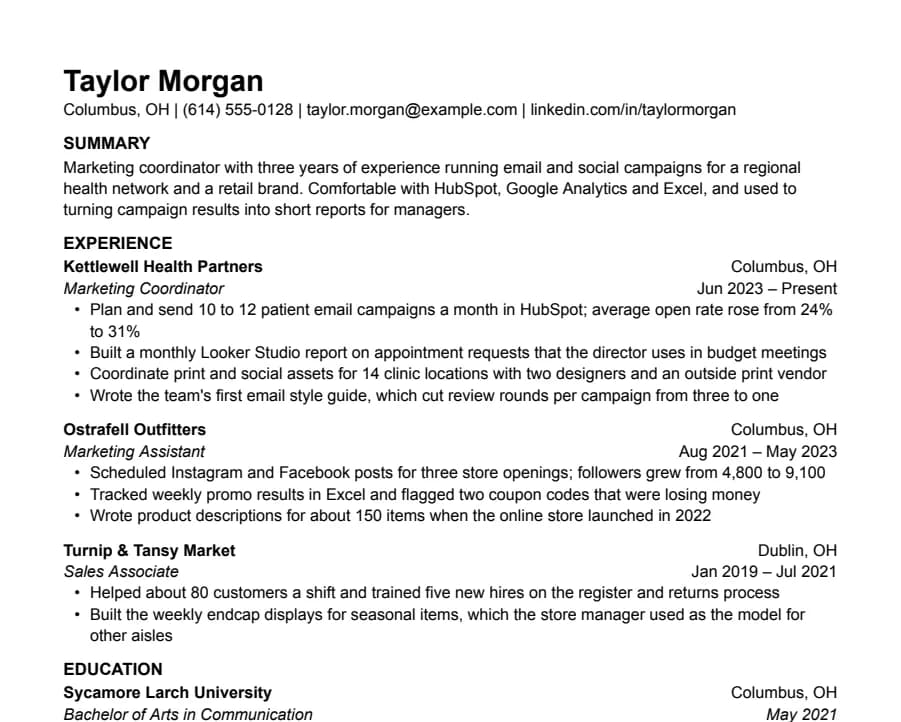
Plain
33/33 fields read
Nothing but text, left-aligned, in Arial. A safe default for any job when you don't want the layout to be noticed.
- 1 page
- Letter + A4
- Docs + Word
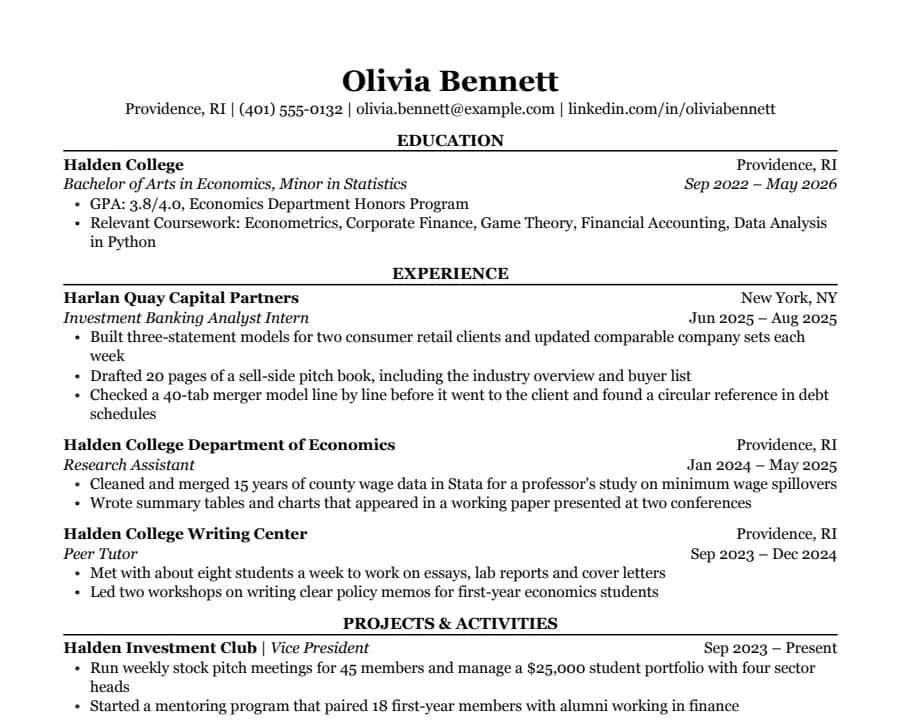
Classic
38/38 fields read
Serif type, centered headings and education first. The look many university career offices recommend for finance, law and consulting.
- 1 page
- Letter + A4
- Docs + Word
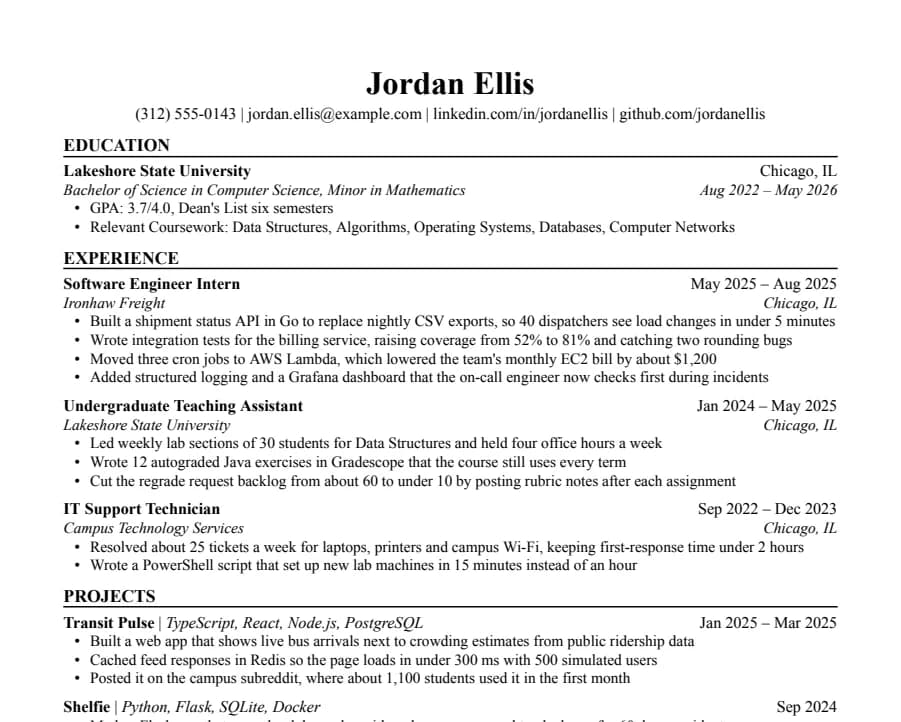
Jake's
46/46 fields read
The Jake's Resume layout rebuilt for Google Docs and Word. Dense, centered, made for tech internships and new-grad roles.
- 1 page
- Letter + A4
- Docs + Word
Questions
- Is it really free?
- Yes. No account, no email and no watermark. Copy it, edit it and send it to as many employers as you like. The one thing you can't do is repost the template file itself somewhere else.
- Will it get through an ATS?
- Nobody can promise that, and we don't. What we can show is that an open-source parser reads our sample of this template correctly, field by field, from the PDF Google Docs produces. Workday, Greenhouse and others use their own parsers, and your own content matters as much as the layout. How we test
- Can I use it in Microsoft Word?
- Yes. Download the .docx, or copy to Google Docs and later use File > Download > Microsoft Word. The font is installed on Windows and macOS, so nothing gets swapped.
- Why no photo, icons or two columns?
- Parsers read a page top to bottom. Columns, text boxes and icons are the usual reason a resume comes out scrambled. US employers also generally don't want photos.
- Can my name have accents or non-Latin characters?
- Yes, with one caveat. In our tests the parser read José Álvarez, Mary-Jane Smith, Sean O'Brien and Иван Петров correctly, and the layout didn't move. A Chinese name like 王小明 also kept the page intact, but Google Docs swaps in a Japanese font for those characters and the parser left the name field empty. For US applications, put the romanized name first, like Xiaoming Wang (王小明). Phone numbers outside the US format, like +44 7700 900123, aren't picked up as phone numbers either.