ATS-friendly resume templates for Google Docs™
The rules that keep a resume readable by hiring software, and templates that follow every one of them.
Short answer
The rules, and why each one matters
- One column, top to bottom. Parsers read lines left to right. Two columns side by side get read as one line that mixes both, so a job title can end up glued to a skill.
- No tables, text boxes or shapes. Many parsers skip text boxes entirely, and table cells can come out in an odd order. We line dates up with a right tab stop instead.
- Nothing important in the header or footer. Some systems ignore headers and footers. Your name and contact details sit in the body of the page.
- Standard section names, on their own line. Parsers look for words like Experience, Education, Projects and Skills to know where each section starts. Our headings are short, bold and in capitals, which is the pattern the parser we test with looks for first.
- Plain bullets and text you can select. Bullets set in symbol fonts often turn into private-use characters when extracted. Ours use the regular bullet character (•) in the body font, and we check the extracted text for stray symbols.
- No icons, photos, skill bars or ratings. They carry no text a system can read, and a 4-out-of-5 skill bar means nothing to anyone.
- Left-aligned text, no justified paragraphs. Justified text stretches the spaces between words, which we suspect can split words when text is extracted. We haven't tested it yet, so we simply don't use it. Left-aligned text is also easier to read.
- Write contact details out in full. Write linkedin.com/in/yourname rather than a LinkedIn icon. A link hidden behind an icon is invisible to a parser.
What “ATS-friendly” can and can't promise
An applicant tracking system stores applications; most also parse resumes into fields like name, job titles and dates so recruiters can search them. Each vendor uses its own parser, and none of them publish how it works. So when a site says a template is “ATS-approved”, ask: approved by which system, and how would you check?
We take a narrower, checkable approach. Every sample resume is downloaded from Google Docs as a PDF and run through OpenResume, an open-source parser, at a pinned version. The template page shows each field we expected and what the parser found. Anyone can rerun it. It doesn't predict Workday or Greenhouse, and it says nothing about your own content, but it does catch the layout problems listed above. Read how we test.
We also don't give scores. A 0–100 “ATS score” mixes layout with keyword guesses, and it's usually there to sell you a rewrite.
Templates that follow these rules
All eight. Each card shows how many fields the parser read correctly.
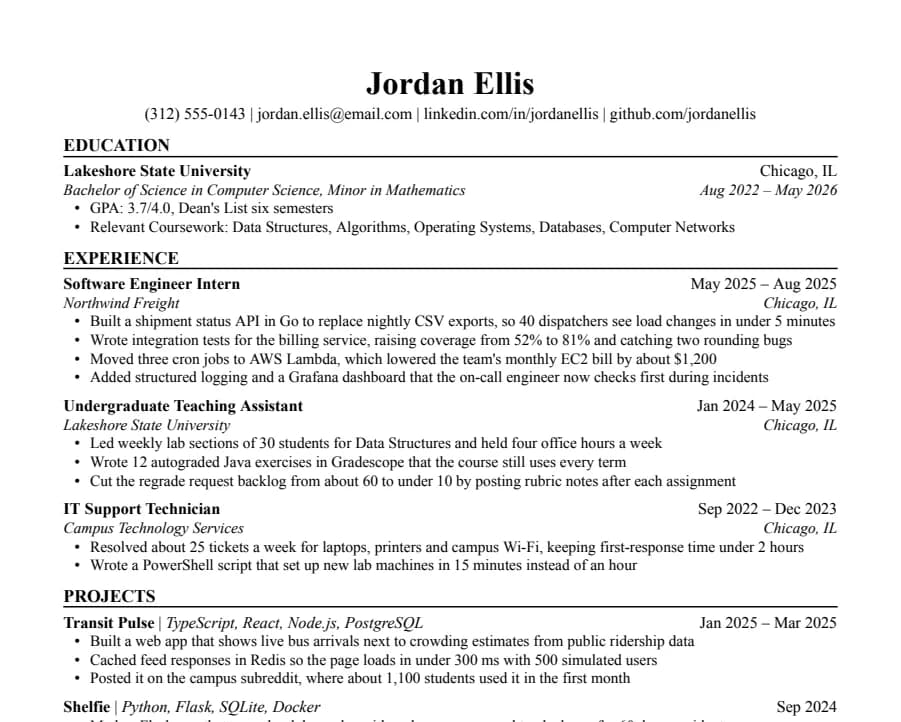
Jake's
46/46 fields readThe Jake's Resume layout rebuilt for Google Docs and Word. Dense, centered, made for tech internships and new-grad roles.
- 1 page
- Letter + A4
- Docs + Word
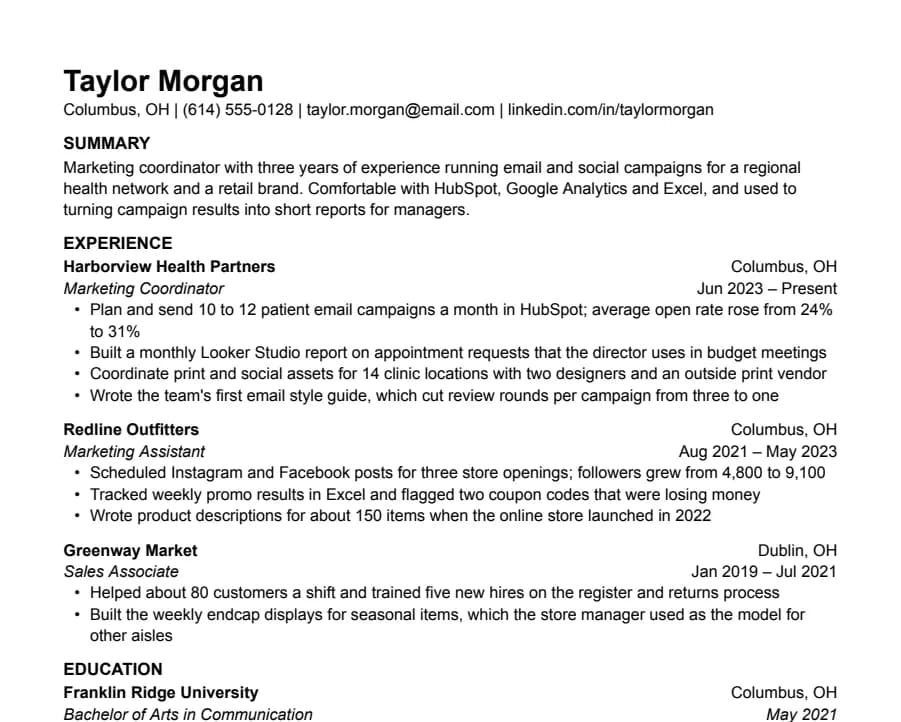
Plain
33/33 fields readNothing but text, left-aligned, in Arial. A safe default for any job when you don't want the layout to be noticed.
- 1 page
- Letter + A4
- Docs + Word
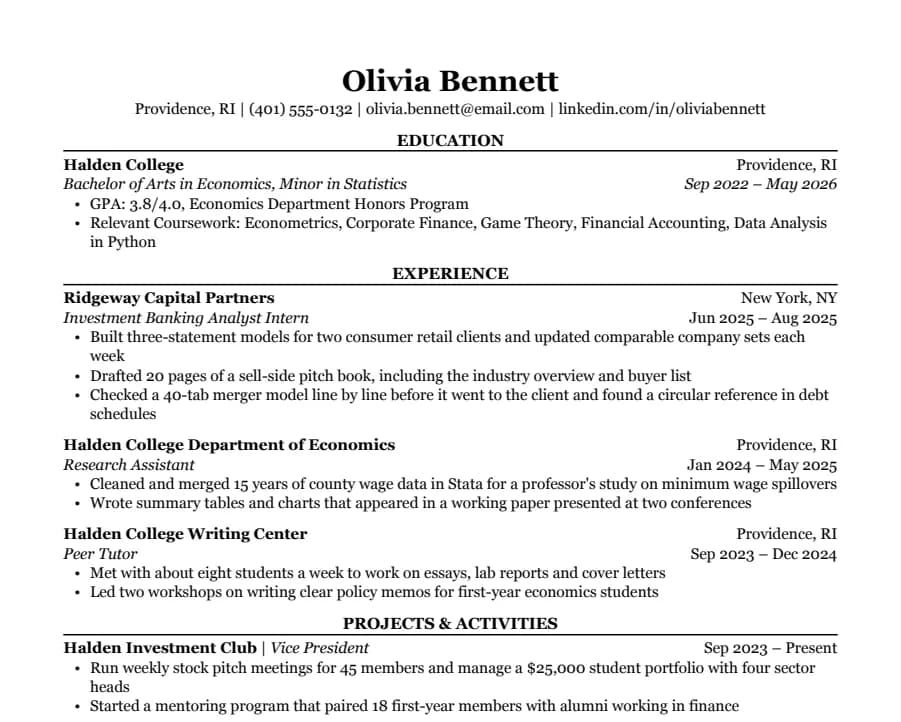
Classic
38/38 fields readSerif type, centered headings and education first. The look many university career offices recommend for finance, law and consulting.
- 1 page
- Letter + A4
- Docs + Word
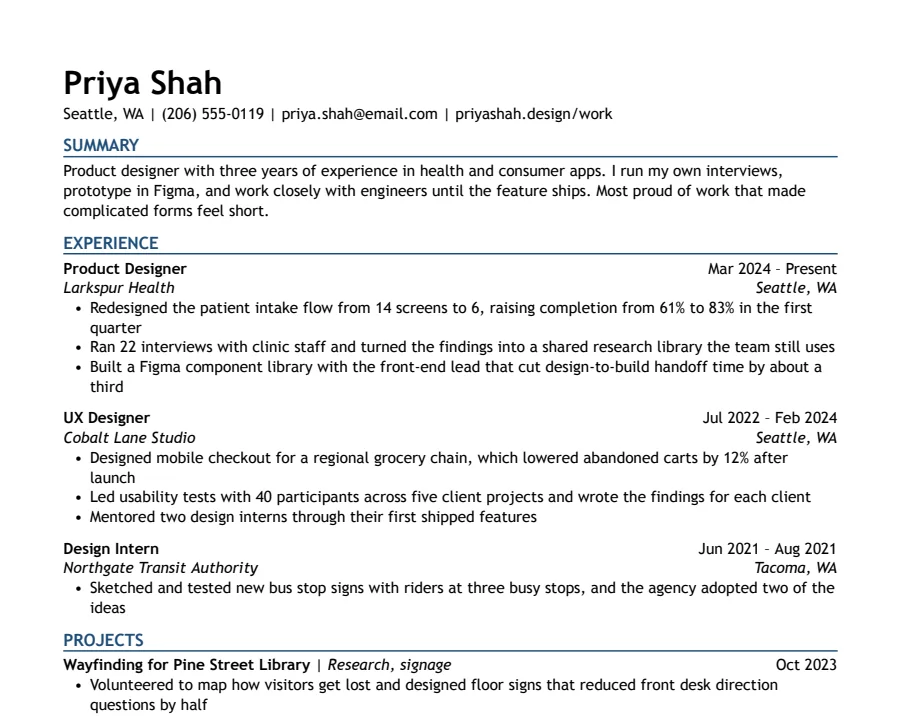
Modern Accent
35/35 fields readOne ink-blue accent on headings and rules, with a summary up top. Clean enough for any parser, with a little more personality.
- 1 page
- Letter + A4
- Docs + Word
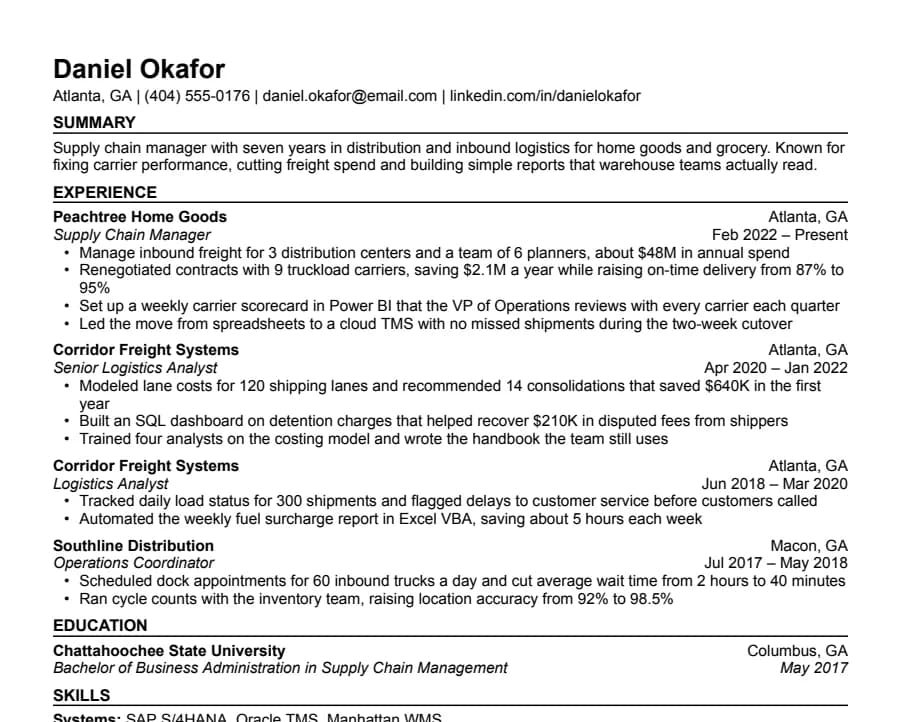
Compact
36/36 fields readHalf-inch margins and tight spacing for people with more experience than one page normally holds.
- 1 page
- Letter + A4
- Docs + Word
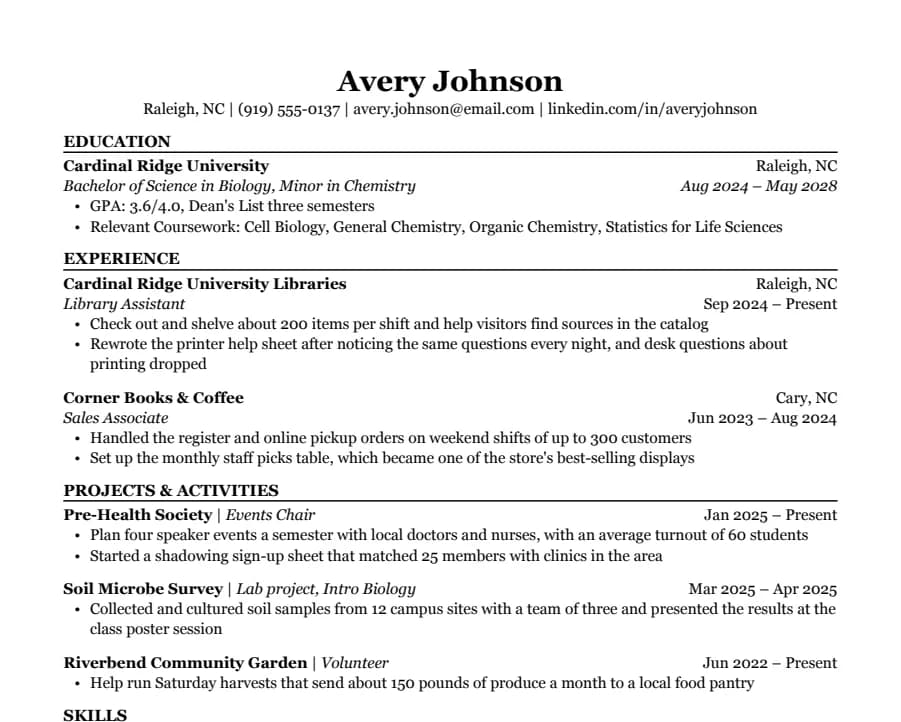
Student
35/35 fields readEducation first, then part-time jobs and a section for clubs, volunteering and class projects. Made for a first internship.
- 1 page
- Letter + A4
- Docs + Word
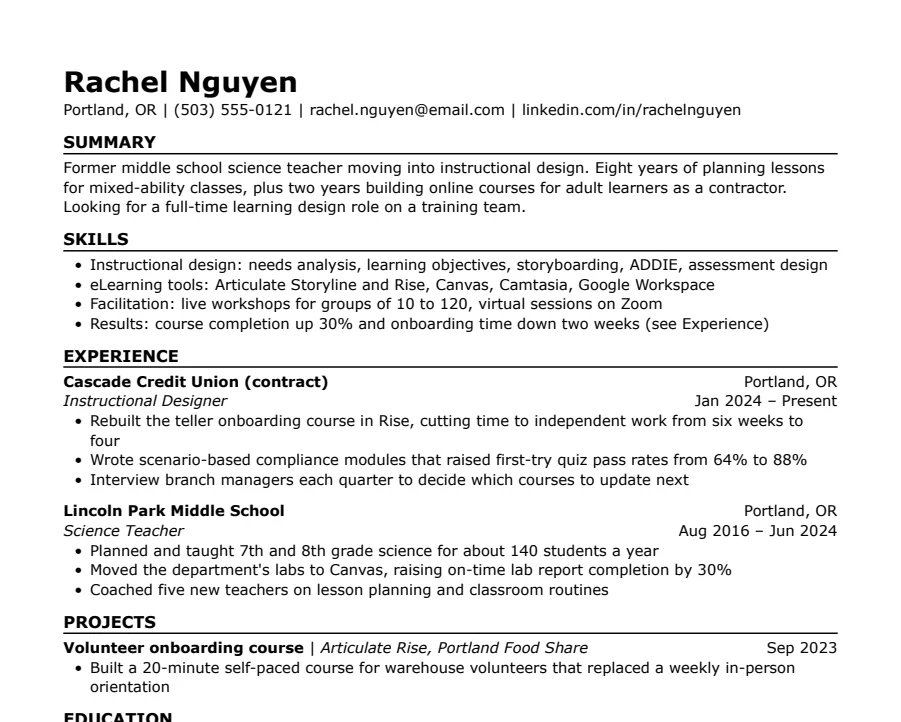
Skills-first
33/33 fields readSummary and skills come before work history. Useful when you're changing careers or coming back after a gap.
- 1 page
- Letter + A4
- Docs + Word
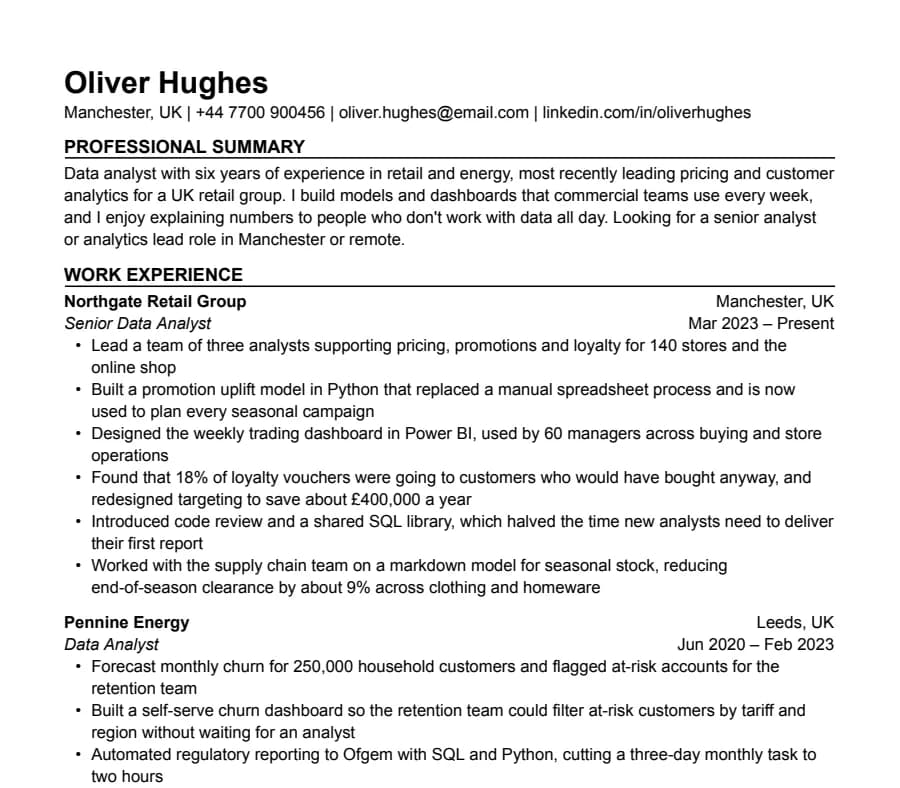
International CV
63/63 fields readA4, no photo, a professional summary at the top and room for two pages. Written the way UK and European employers expect a CV.
- Up to 2 pages
- Letter + A4
- Docs + Word
Questions
- Are Google Docs resumes ATS-friendly?
- They can be. A Google Doc exported with File > Download > PDF Document has real, selectable text. Problems come from layouts built with tables, columns, text boxes or images, not from Google Docs itself.
- PDF or Word for an ATS?
- Send what the posting asks for. If it doesn't say, a text-based PDF is usually fine. Some portals only take .docx; our export guide explains how to get one from Google Docs without breaking the layout.
- Do ATS reject resumes automatically?
- Mostly not for formatting. Recruiters usually filter by knockout questions, keywords and their own reading. A badly parsed resume hurts because it shows up with the wrong fields, or is harder to find in a search.
- Can I use a two-column template?
- You can, but columns are the most common reason a resume comes out scrambled. In one experiment shared on r/resumes, the same resume was built on several platforms and uploaded to Workday; the best version was parsed with 58% accuracy. One column avoids the question.