Should a resume be one page?
Usually yes, until you have about ten years of relevant work. Here's how to get there in Google Docs.
Short answer
Why one page still matters
A recruiter skimming fifty applications reads the top third of the first page. One page forces you to put the best things there. It also avoids a common accident: a second page holding two lines and a skills list, which looks unfinished.
Two pages are right when the second page earns its place: more than ten years of relevant roles, publications, licences, or a CV for the UK, Europe or Australia. Our International CV is built for two pages.
Getting back to one page in Google Docs
Try these in order. Stop as soon as it fits.
- Cut the weakest bullets. Anything without a result, anything older than ten years, anything the job post doesn't care about.
- Shorten bullets that end with one or two words on their own line. Each of those wastes a full line.
- Set margins to 0.5 in. File > Page setup > Margins. Don't go lower; printers and readers both need the white space.
- Set body text to 10.5 pt. Select the bullets and change the size. Keep your name and headings as they are.
- Set line spacing to single. Format > Line & paragraph spacing > Single.
Every one-page template here leaves room for this. We tested each one with an extra bullet on every job and a 30-character name, and all of them stayed on one page without any of the steps above. Compact is the exception: it's already set at 0.5 in margins for long careers, so we only test it with the longer name.
An extra blank page at the end
This is almost always an empty paragraph after your last line. Click at the very end of the document and press Backspace until the blank page disappears. If it won't go, select the empty line, set its font size to 1 and its line spacing to single. Our templates ship without trailing empty lines, so this only happens after editing.
A heading stranded at the bottom of page one
Our section headings are set to keep with the next paragraph, so Google Docs moves them down with their first entry. If you add your own heading, select it and turn on Format > Line & paragraph spacing > Keep with next.
One-page templates
Each one leaves room for an extra bullet per job.
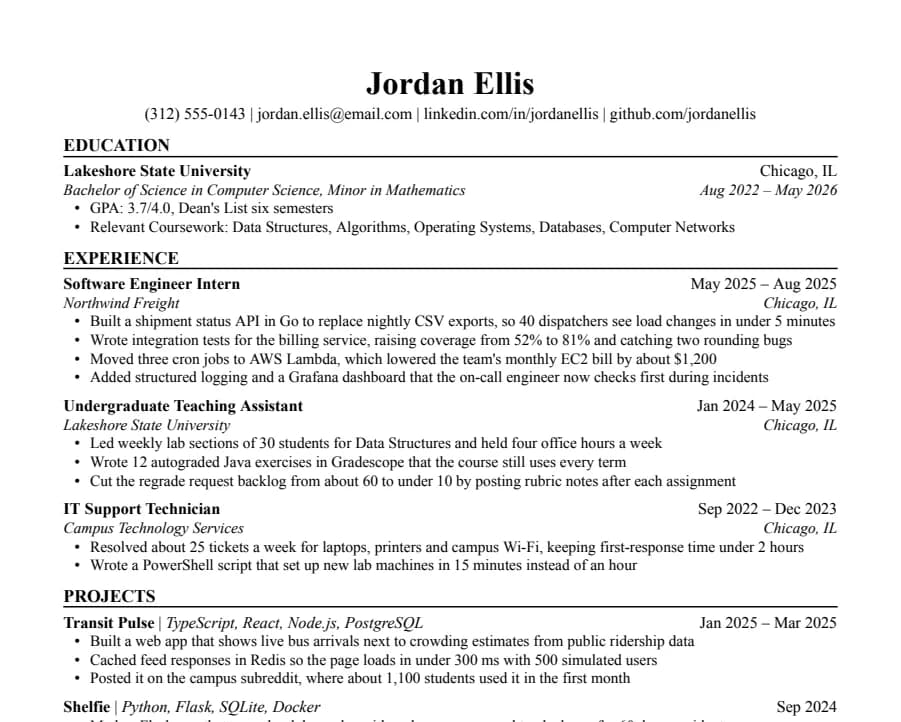
Jake's
46/46 fields readThe Jake's Resume layout rebuilt for Google Docs and Word. Dense, centered, made for tech internships and new-grad roles.
- 1 page
- Letter + A4
- Docs + Word
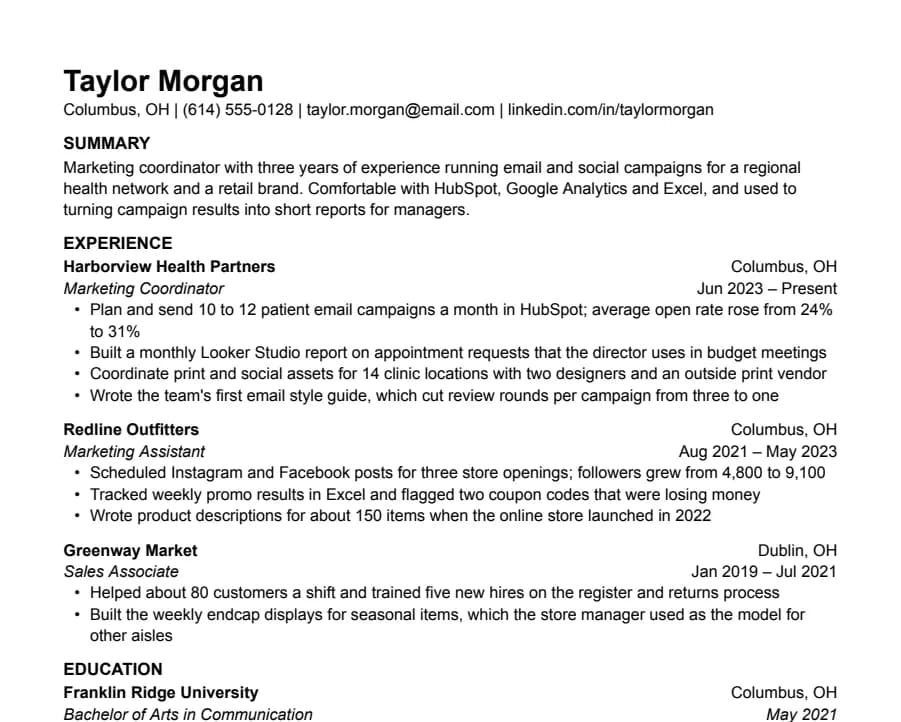
Plain
33/33 fields readNothing but text, left-aligned, in Arial. A safe default for any job when you don't want the layout to be noticed.
- 1 page
- Letter + A4
- Docs + Word
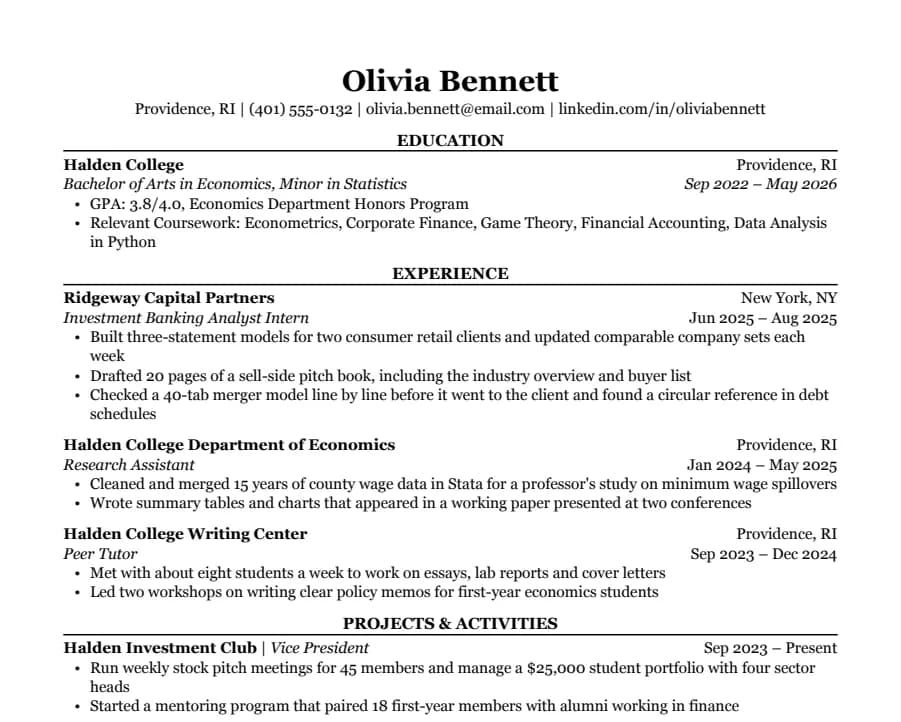
Classic
38/38 fields readSerif type, centered headings and education first. The look many university career offices recommend for finance, law and consulting.
- 1 page
- Letter + A4
- Docs + Word
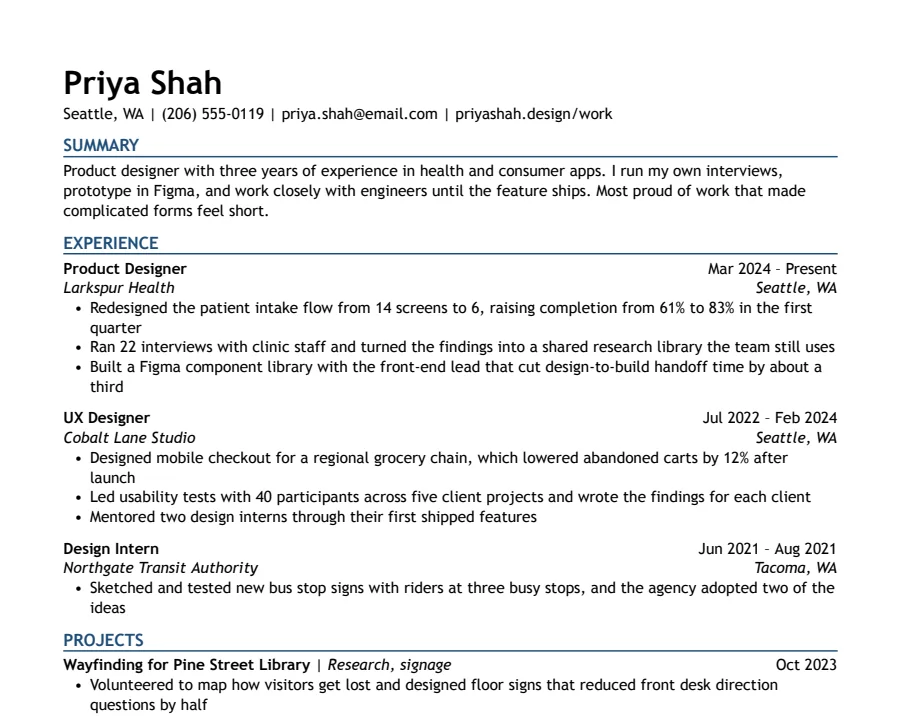
Modern Accent
35/35 fields readOne ink-blue accent on headings and rules, with a summary up top. Clean enough for any parser, with a little more personality.
- 1 page
- Letter + A4
- Docs + Word
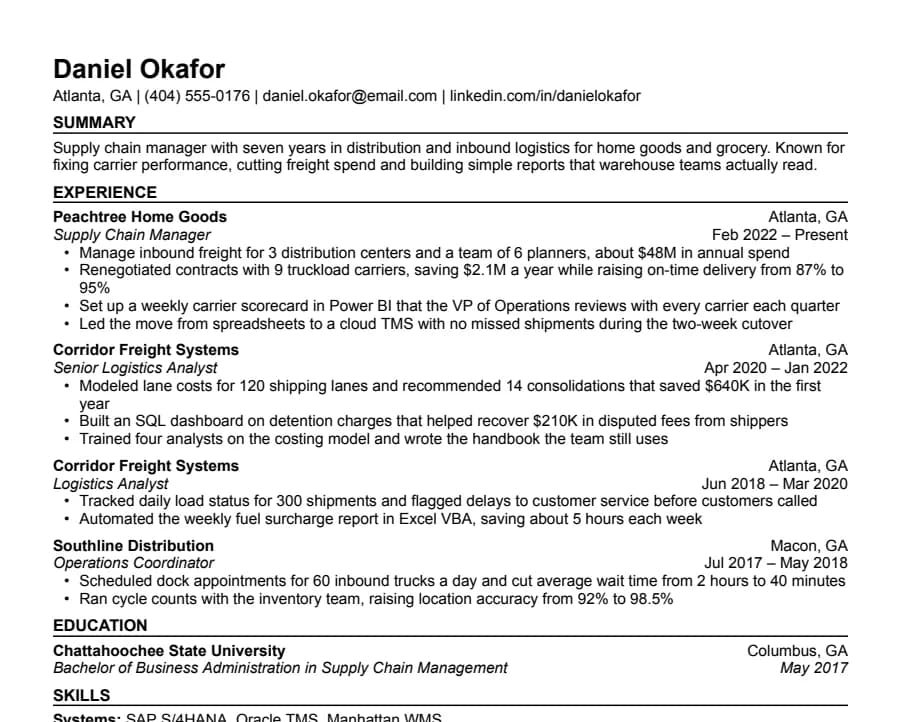
Compact
36/36 fields readHalf-inch margins and tight spacing for people with more experience than one page normally holds.
- 1 page
- Letter + A4
- Docs + Word
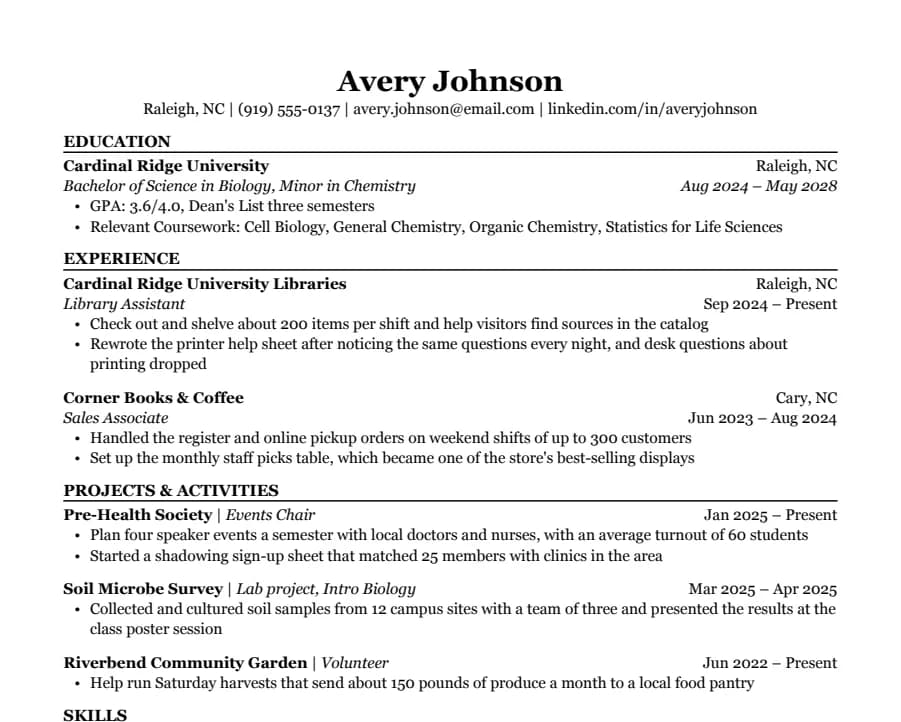
Student
35/35 fields readEducation first, then part-time jobs and a section for clubs, volunteering and class projects. Made for a first internship.
- 1 page
- Letter + A4
- Docs + Word
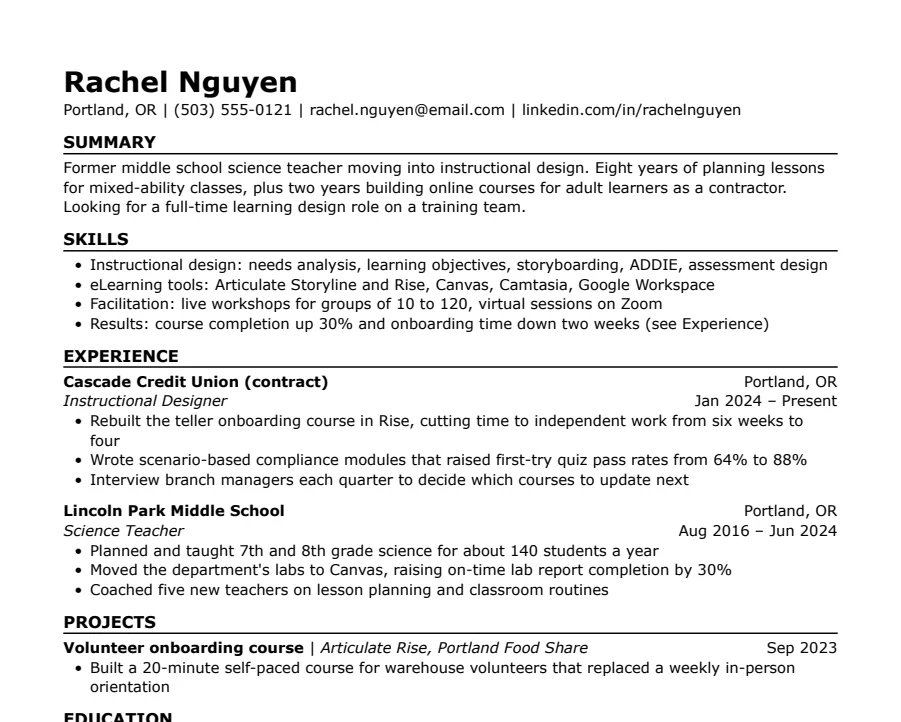
Skills-first
33/33 fields readSummary and skills come before work history. Useful when you're changing careers or coming back after a gap.
- 1 page
- Letter + A4
- Docs + Word
Questions
- Is a two-page resume bad?
- No, if the second page is full of relevant work. It's a problem when the second page is mostly padding or a few stray lines.
- What margins should a resume have?
- Between 0.5 and 1 inch. Our templates use 0.6 in on US Letter and 15 mm on A4; Compact uses 0.5 in.
- Should I make the font smaller to fit?
- Only down to 10.5 pt for body text, and only after cutting words. Below 10 pt, people start squinting and some will stop reading.