Modern Bold resume template for Google Docs™
A large teal name and heavy rules under each heading. Stands out in a stack of printouts and still reads cleanly in software.
- Parser read 33/33 fields
- 1 page
- US Letter and A4
- Google Docs and Word
- Arial
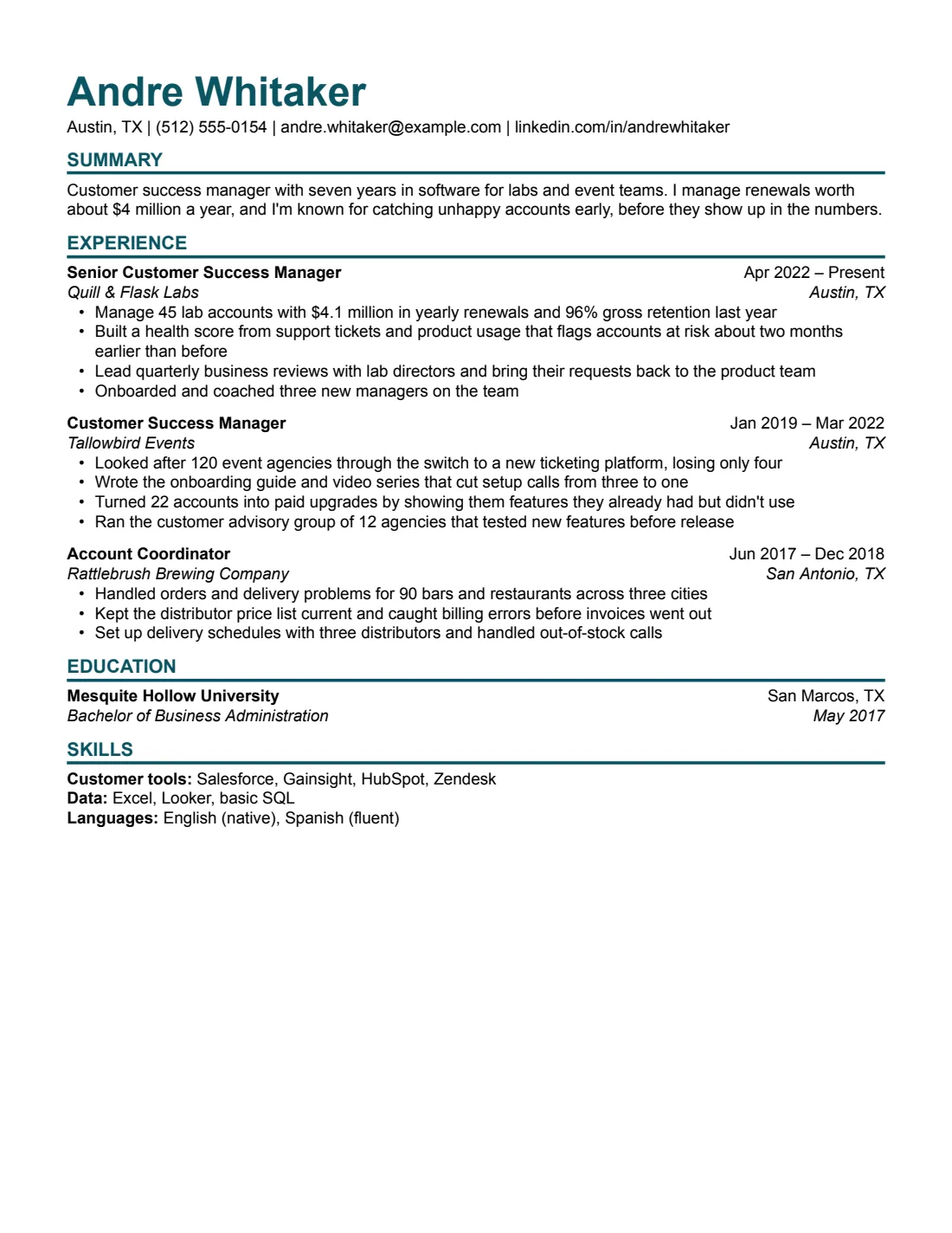
How the Modern Bold resume template reads in a parser
We downloaded the Modern Bold resume template from Google Docs as a PDF and read it with OpenResume, an open-source resume parser. All 33 fields came out right: contact details, the summary, three jobs with their titles, dates and 11 bullets, the school and degree, and three lines of skills. The A4 version read 33 out of 33.
33/33
fields read correctly from the resume (US Letter), downloaded from Google Docs as a PDF and read by the open-source OpenResume parser (commit 4f8255a) on Oct 5, 2026.
What the parser read
First 30 lines, exactly as extracted.
Andre Whitaker
Austin, TX | (512) 555-0154 | andre.whitaker@example.com | linkedin.com/in/andrewhitaker
SUMMARY
Customer success manager with seven years in software for labs and event teams. I manage renewals worth
about $4 million a year, and I'm known for catching unhappy accounts early, before they show up in the numbers.
EXPERIENCE
Senior Customer Success Manager    Apr 2022 – Present
Quill & Flask Labs    Austin, TX
•    Manage 45 lab accounts with $4.1 million in yearly renewals and 96% gross retention last year
•    Built a health score from support tickets and product usage that flags accounts at risk about two months
earlier than before
•    Lead quarterly business reviews with lab directors and bring their requests back to the product team
•    Onboarded and coached three new managers on the team
Customer Success Manager    Jan 2019 – Mar 2022
Tallowbird Events    Austin, TX
•    Looked after 120 event agencies through the switch to a new ticketing platform, losing only four
•    Wrote the onboarding guide and video series that cut setup calls from three to one
•    Turned 22 accounts into paid upgrades by showing them features they already had but didn't use
•    Ran the customer advisory group of 12 agencies that tested new features before release
Account Coordinator    Jun 2017 – Dec 2018
Rattlebrush Brewing Company    San Antonio, TX
•    Handled orders and delivery problems for 90 bars and restaurants across three cities
•    Kept the distributor price list current and caught billing errors before invoices went out
•    Set up delivery schedules with three distributors and handled out-of-stock calls
EDUCATION
Mesquite Hollow University    San Marcos, TX
Bachelor of Business Administration    May 2017
SKILLS
Customer tools: Salesforce, Gainsight, HubSpot, Zendesk
Data: Excel, Looker, basic SQL
Field by field
What we wrote, and what the parser put in each field.
| Field | Parser read | Match |
|---|---|---|
| Name | Andre Whitaker | |
| andre.whitaker@example.com | ||
| Phone | (512) 555-0154 | |
| Location | Austin, TX | |
| Link | linkedin.com/in/andrewhitaker | |
| Summary | Customer success manager with seven years in software for labs and event teams. I manage renewals worth about $4 million a year, and I'm known for catching unhappy accounts early, before they show up in the numbers. | |
| Job 1 company | Quill & Flask Labs | |
| Job 1 title | Senior Customer Success Manager | |
| Job 1 dates | Apr 2022 – Present | |
| Job 1, bullet 1 | Manage 45 lab accounts with $4.1 million in yearly renewals and 96% gross retention last year | |
| Job 1, bullet 2 | Built a health score from support tickets and product usage that flags accounts at risk about two months earlier than before | |
| Job 1, bullet 3 | Lead quarterly business reviews with lab directors and bring their requests back to the product team | |
| Job 1, bullet 4 | Onboarded and coached three new managers on the team | |
| Job 2 company | Tallowbird Events | |
| Job 2 title | Customer Success Manager | |
| Job 2 dates | Jan 2019 – Mar 2022 | |
| Job 2, bullet 1 | Looked after 120 event agencies through the switch to a new ticketing platform, losing only four | |
| Job 2, bullet 2 | Wrote the onboarding guide and video series that cut setup calls from three to one | |
| Job 2, bullet 3 | Turned 22 accounts into paid upgrades by showing them features they already had but didn't use | |
| Job 2, bullet 4 | Ran the customer advisory group of 12 agencies that tested new features before release | |
| Job 3 company | Rattlebrush Brewing Company | |
| Job 3 title | Account Coordinator | |
| Job 3 dates | Jun 2017 – Dec 2018 | |
| Job 3, bullet 1 | Handled orders and delivery problems for 90 bars and restaurants across three cities | |
| Job 3, bullet 2 | Kept the distributor price list current and caught billing errors before invoices went out | |
| Job 3, bullet 3 | Set up delivery schedules with three distributors and handled out-of-stock calls | |
| School 1 | Mesquite Hollow University | |
| School 1 degree | Bachelor of Business Administration | |
| School 1 dates | May 2017 | |
| School 1 GPA | (empty) | |
| Skills line 1 | Customer tools: Salesforce, Gainsight, HubSpot, Zendesk | |
| Skills line 2 | Data: Excel, Looker, basic SQL | |
| Skills line 3 | Languages: English (native), Spanish (fluent) |
Shown but not counted
- Austin, TX: no location field for jobs. It's in the extracted text.
- Austin, TX: no location field for jobs. It's in the extracted text.
- San Antonio, TX: no location field for jobs. It's in the extracted text.
- San Marcos, TX: no location field for schools. It's in the extracted text.
This checks our sample text, read by one open-source parser from the PDF that Google Docs' File > Download > PDF produces. It isn't a score, and it doesn't tell you how Workday, Greenhouse or any other hiring system will read your own resume. Anyone can rerun it: the test repository has the PDF (SHA-256 ae744b6278ed…), the expected values and the raw results. How we test. You can run the same parser on your own PDF.
The heavy rules are borders, not drawings
Each heading has a thick teal line under it. It's a paragraph border, part of the heading itself, not a drawn line, a shape or a table. In our sample, OpenResume read all 33 fields with these borders in place.
If you want the lines thinner, thicker or a different color, change the border on the heading (Format > Paragraph styles > Borders and shading) instead of inserting a line from the Insert menu.
A big name, read like any other
Your name is set at 26 pt in teal. The parser doesn't look at size or color when it picks out a name. It looks for a short line of letters, often in bold, with no numbers, commas or @ sign. So the big teal name reads exactly as a plain one would.
Is Modern Bold the right one?
It works for three to ten years in sales, customer success, marketing or any role where you want the page to stand out in a stack. For a designer's portfolio link up front, see Creative. For the same structure with less weight, Modern Minimal.
Modern Bold resume template specs
Plus editing tips that keep the layout intact.
Specs
- Font
- Arial, installed on Windows and macOS, so Word won't swap it
- Body text
- 10.5 pt
- Margins
- 0.6 in (Letter), 15 mm (A4)
- Length
- 1 page with the sample content
- Sections
- Summary, Experience, Education, Skills
- Good for
- 3–10 years
- Layout
- One column, no tables, text boxes, images or icons. Dates aligned with a right tab stop.
Editing tips
- Dates stay on the right by themselves. Each heading line has a right-aligned tab stop. Press Tab before the date instead of adding spaces.
- Add a job by copying one. Select a whole entry, heading lines and bullets, copy it and paste it below. The spacing comes with it.
- Ran onto a second page? Cut a weak bullet first. Then set margins to 0.5 in, body text to 10.5 pt if it's larger, and line spacing to single. More ways to fit one page
- Rename your copy. Recruiters see the file name, so use something like Firstname-Lastname-Resume.
Exporting your finished resume
Two downloads from Google Docs cover almost every application.
File > Download > PDF Document. This is the exact path we test on every release. It gives selectable text with the fonts embedded.
Word
File > Download > Microsoft Word (.docx). Our own .docx files are exported this way, and we check that text and bullets survive. Don't convert a PDF to Word.
Similar resume templates
Same rules, a different look.
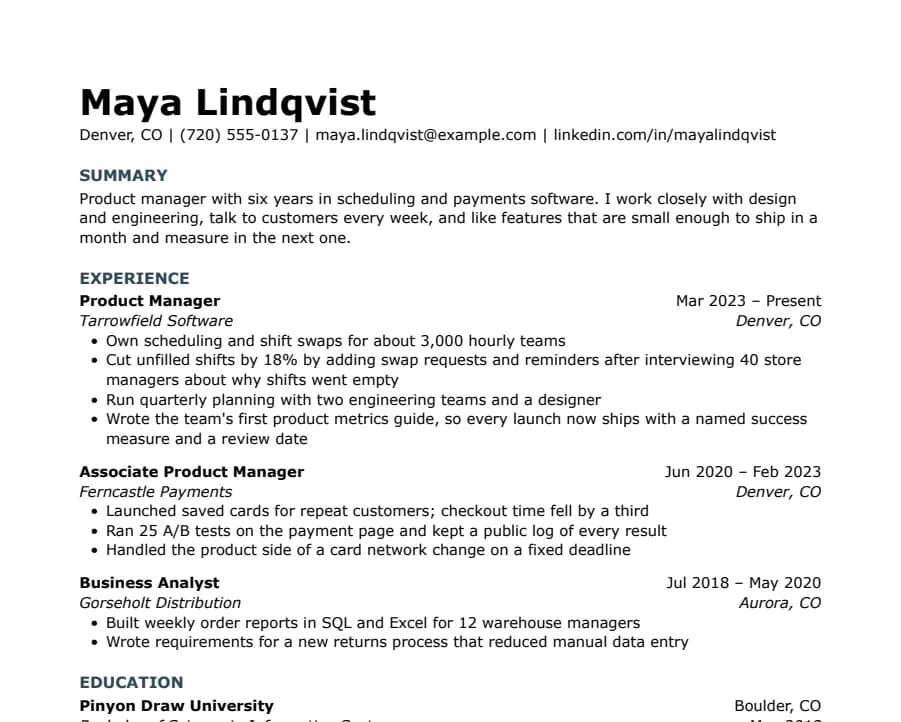
Modern Minimal resume template
31/31 fields read
No lines or boxes, just white space and quiet slate-blue headings. Looks modern without tables, columns or graphics.
- 1 page
- Letter + A4
- Docs + Word
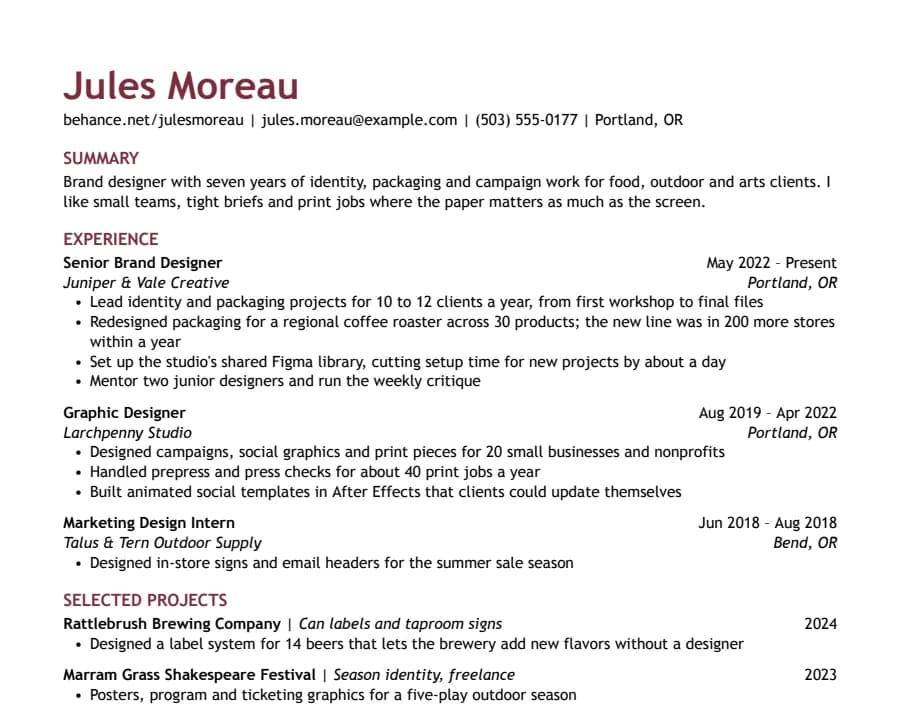
Creative resume template
36/36 fields read
Color in the name and headings, your portfolio link first, and a section for selected projects. Personality without columns or graphics.
- 1 page
- Letter + A4
- Docs + Word
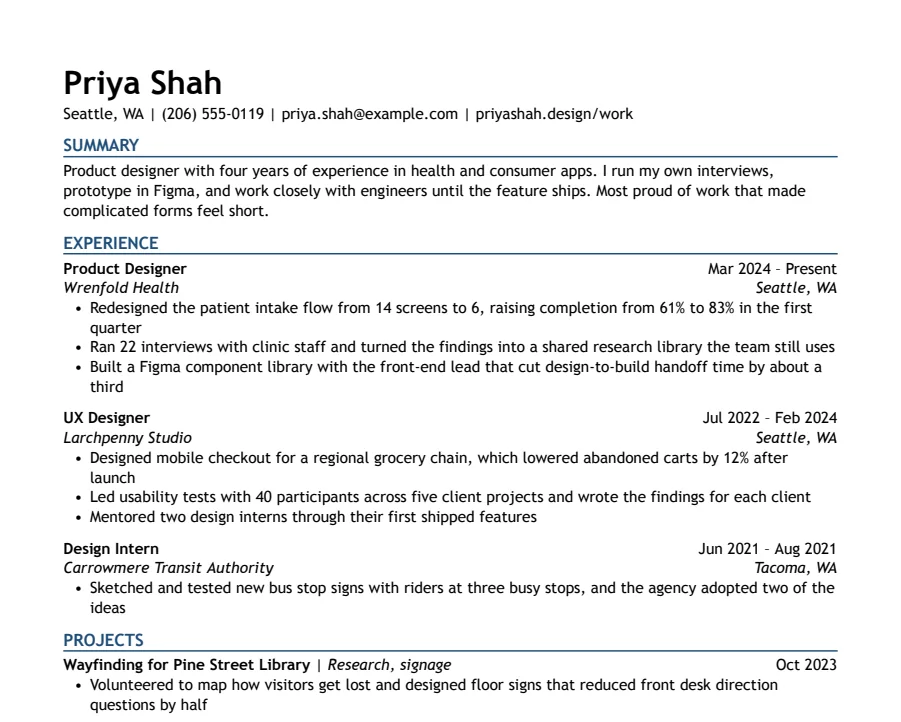
Modern Accent resume template
35/35 fields read
One ink-blue accent on headings and rules, with a summary up top. A plain one-column layout with a little more personality.
- 1 page
- Letter + A4
- Docs + Word
Questions
- Is the Modern Bold resume template really free?
- Yes. No account with us, no email and no watermark. Copy it, edit it and send it to as many employers as you like. The one thing you can't do is repost the template file itself somewhere else.
- Is the Modern Bold resume template ATS-friendly?
- Nobody can promise that, and we don't. What we can show is that an open-source parser reads our sample of this template correctly, field by field, from the PDF Google Docs produces. Workday, Greenhouse and other hiring systems don't publish how their parsers work, and your own content matters as much as the layout. How we test
- Can I use it in Microsoft Word?
- Yes. Download the .docx, or copy to Google Docs and later use File > Download > Microsoft Word. The font comes with Windows and macOS, so Word won't swap it.
- Why no photo, icons or two columns?
- Each column is narrower, so more lines wrap, and in our parsing test that's where the parser lost fields. Photos and icons caused no missing fields in that test. We leave them out to save room for text, and US employers generally don't want photos.
- Can my name have accents or non-Latin characters?
- Yes, with one caveat. In our tests on Plain (Arial) and Jake's (Times New Roman), the parser read José Álvarez and Иван Петров correctly, and the layout didn't move. A Chinese name like 王小明 also kept the page intact, but Google Docs swaps in a Japanese font for those characters and the parser left the name field empty. For US applications, put the romanized name first, like Xiaoming Wang (王小明). Phone numbers outside the US format, like +44 7700 900123, aren't picked up as phone numbers either.